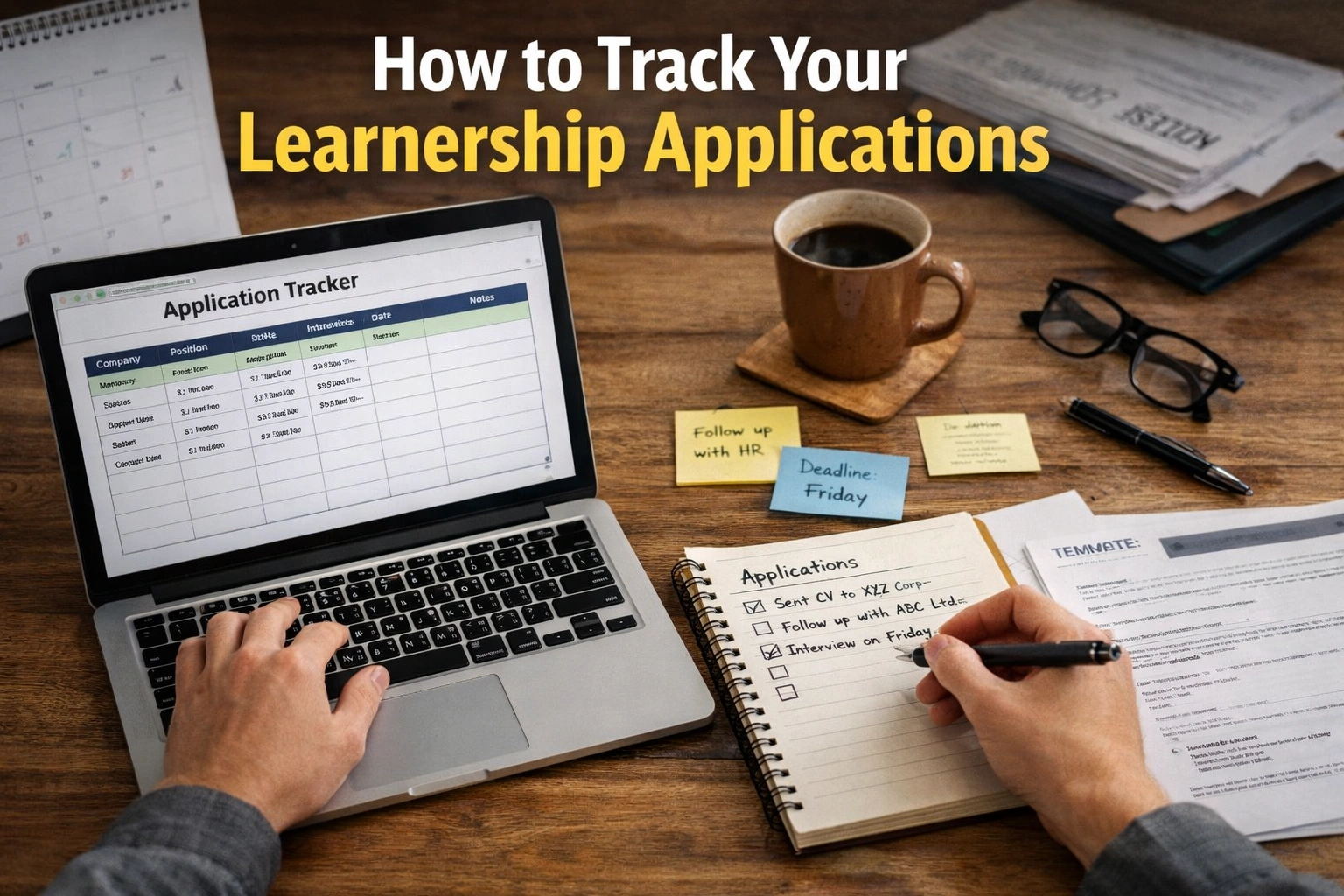
How to Track Your Learnership Applications: Applying for learnerships can feel like sending your future into a black hole. You submit applications to multiple companies, training providers, and government programmes—but weeks later, you’re left wondering: Did they receive it? Am I shortlisted? Should I follow up?
This uncertainty is one of the biggest challenges young job seekers face. Without a proper system, it’s easy to lose track of deadlines, forget login details, or miss important responses. Even worse, you might miss an opportunity simply because you didn’t follow up at the right time.
That’s where learning How to Track Your Learnership Applications becomes a powerful advantage. This guide will show you how to stay organized, reduce stress, and increase your chances of success using simple, practical methods.
What Does It Mean to Track Your Learnership Applications?
Before diving into solutions, it’s important to understand what tracking actually involves.
Tracking your learnership applications means keeping a structured record of:
- Where you applied
- When you applied
- Application deadlines
- Required documents submitted
- Contact details of the organization
- Status updates (pending, shortlisted, rejected, accepted)
- Follow-up dates
Think of it as managing your applications like a project. Instead of guessing or relying on memory, you use a system that gives you full visibility of your progress.
When done properly, tracking transforms your approach from reactive to proactive.
Why This Issue Matters
Many applicants underestimate the importance of tracking, but it directly impacts your success rate.
1. You Avoid Missing Opportunities
Learnership programmes often have strict deadlines and limited intake. If you don’t track properly, you might miss follow-ups or required documents.
2. You Appear More Professional
Employers notice candidates who follow up politely and at the right time. It shows initiative and seriousness.
3. You Reduce Stress and Confusion
Instead of constantly wondering about your applications, you’ll have clear answers at your fingertips.
4. You Improve Your Strategy Over Time
Tracking allows you to analyze patterns—what works, what doesn’t, and where you should focus your efforts.
5. You Increase Your Chances of Getting Selected
Consistency, follow-ups, and organization often separate successful applicants from the rest.
Step-by-Step Guide: How to Track Your Learnership Applications
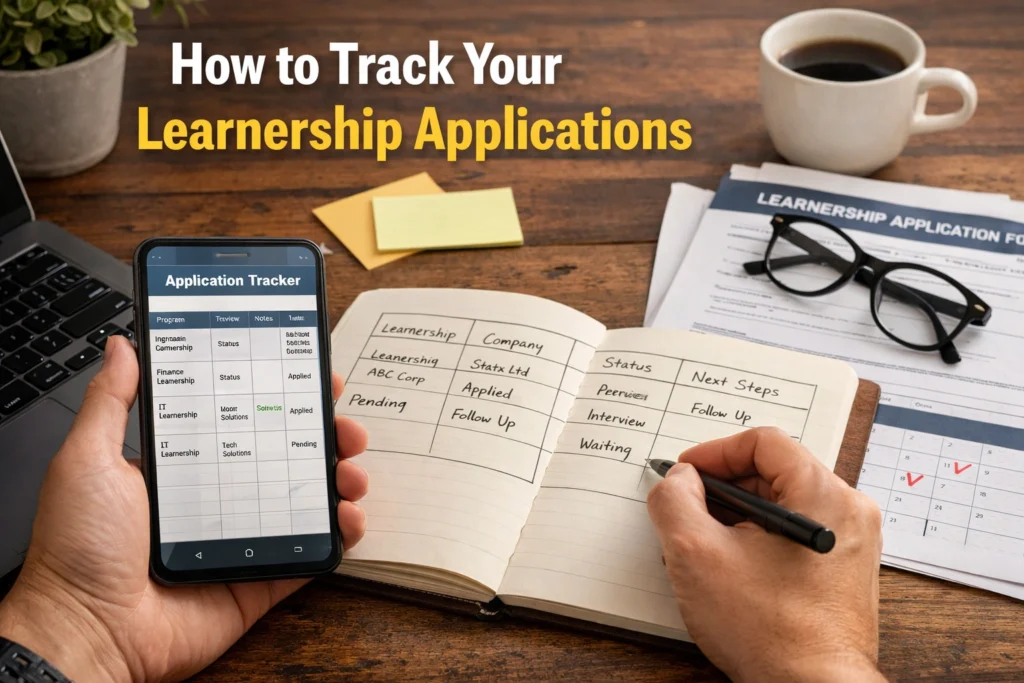
Step 1: Create a Simple Tracking System
Start with a tool that works for you. You don’t need anything complicated.
Options include:
- A notebook (for offline tracking)
- Spreadsheet (Excel or Google Sheets)
- Notes app on your phone
- Task management apps like Trello or Notion
Recommended columns or sections:
- Company/Organization Name
- Learnership Title
- Date Applied
- Closing Date
- Application Method (email, portal, walk-in)
- Status (pending, shortlisted, rejected)
- Follow-Up Date
- Notes
This becomes your central dashboard.
Step 2: Record Every Application Immediately
One of the biggest mistakes is “I’ll write it down later.” That rarely happens.
The moment you apply:
- Add the application to your tracker
- Save confirmation emails or screenshots
- Store documents in clearly labeled folders
This ensures nothing slips through the cracks.
Step 3: Use a Consistent Naming System
Keep your files organized so you can find them quickly.
Example:
CV_Name_Learnership2026.pdfCompanyName_Application_Email.pdfLearnershipName_CoverLetter.docx
Create folders like:
- Applications Submitted
- Shortlisted
- Interviews
- Rejected
This saves time when employers request documents again.
Step 4: Set Follow-Up Reminders
Tracking isn’t just about recording—it’s about action.
Set reminders:
- 7–14 days after applying
- A few days before closing date (if still open)
- After interviews
Use:
- Phone alarms
- Calendar apps
- Task apps
A simple follow-up email can make a big difference.
Step 5: Monitor Your Email and Phone Regularly
Many applicants miss opportunities because they don’t check communication channels.
Best practices:
- Check email at least twice daily
- Use a professional email address
- Keep your phone available and voicemail set up
Also check spam/junk folders—important messages sometimes land there.
Step 6: Track Application Status Updates
Update your tracker whenever something changes.
Statuses can include:
- Applied
- Under review
- Shortlisted
- Interview scheduled
- Rejected
- Accepted
This helps you stay realistic and focused.
Step 7: Review Your Tracker Weekly
Set aside time each week to review your applications.
Ask yourself:
- Which applications need follow-up?
- Are there new opportunities to apply for?
- Which sectors are responding more?
This reflection improves your overall strategy.
ALSO READ ABOUT: Documents Required for Learnership Applications 2026
ALSO READ ABOUT: Conquer Your Internship Interview
Best Practices Experts Recommend
When learning How to Track Your Learnership Applications, experts emphasize discipline and consistency.
1. Apply Smart, Not Just More
Instead of applying everywhere, focus on opportunities that match your qualifications and interests.
2. Customize Each Application
Tailor your CV and cover letter to each learnership. Generic applications are less effective.
3. Keep a Professional Communication Style
When following up:
- Be polite
- Be concise
- Avoid demanding responses
4. Use Cloud Storage
Save documents on Google Drive or similar platforms so you can access them anytime.
5. Track Outcomes, Not Just Applications
Note why you were rejected (if feedback is given). This helps you improve.
6. Stay Consistent
Tracking only works if you update it regularly. Even a simple system is powerful when used consistently.
Mistakes People Often Make
Even motivated applicants can struggle if they fall into these common traps.
1. Relying on Memory
Trying to remember where you applied almost always leads to confusion.
2. Not Following Up
Many candidates never follow up, missing chances to show interest.
3. Applying Without Organization
Sending applications randomly without tracking leads to missed deadlines and duplicate efforts.
4. Ignoring Emails
Delays in responding can cost you interviews or placements.
5. Using Multiple Unorganized Systems
Switching between notebooks, emails, and apps without structure creates chaos.
6. Giving Up Too Early
Tracking helps you see progress—but without it, rejection can feel overwhelming.
Tools That Can Help You Track Applications
You don’t need expensive tools—just something reliable.
Simple Tools:
- Google Sheets (free and effective)
- Microsoft Excel
- Notes apps
Advanced Tools:
- Notion (custom dashboards)
- Trello (visual boards)
- Airtable (database-style tracking)
Choose one and stick to it.
FAQ:
1. How often should I update my application tracker?
Ideally, update it every time you apply or receive a response. At minimum, review it once a week.
2. When should I follow up on a learnership application?
Follow up 7–14 days after applying, unless the job posting specifies otherwise.
3. What should I say in a follow-up email?
Keep it short and polite: Introduce yourself, Mention the position, Ask for an update and Thank them for their time
4. Can tracking really increase my chances of getting a learnership?
Yes. It helps you stay organized, follow up effectively, and avoid missed opportunities—all of which improve your chances.
Turn Effort Into Results
Applying for learnerships is competitive—but the difference between success and frustration often comes down to organization.
When you master How to Track Your Learnership Applications, you:
- Stay in control of your job search
- Avoid missed opportunities
- Improve your follow-up strategy
- Reduce stress and uncertainty
Start simple:
Create a tracker today, record your next application, and set your first follow-up reminder.
Consistency—not perfection—is what will move you closer to securing a learnership.